August 24, 2026
Pix API for businesses: integration, webhooks, and reconciliation
Learn how a Pix API connects payment requests, webhook confirmation, and reconciliation to automate orders, access, and services.

In this article
- When manual Pix payments stop scaling
- API, checkout, or payment link?
- What the API changes in practice
- How a Pix integration works
- A webhook turns a payment into action
- Reconciliation starts when the payment request is created
- How this works across different businesses
- When a Pix API makes sense
- What to evaluate before choosing a Pix API
- Build with your existing stack
- A practical implementation path
- Next step
A Pix API connects a payment request to whatever needs to happen after the payment. Your system creates the Pix charge, receives confirmation, and updates an order, access, or service without manual checks.
The value goes beyond generating a QR code. It is about keeping the operation moving once the payment is confirmed.
When manual Pix payments stop scaling
At first, creating and checking payments manually may work. The problem appears as volume grows.
The customer pays. Someone looks for the payment. Another person updates the order. Access still needs to be released. Finance and Support try to confirm that they are looking at the same sale.
This routine increases the time between payment and delivery and creates work that does not scale. An API connects the payment request to the system already running the business.
The cost shows up in four places:
- customer experience: the customer pays but still waits for confirmation;
- operations: someone has to find the payment and update the order;
- support: payment receipts become tickets because systems are disconnected;
- finance: the payment and sale need to be matched later.
None of this work improves the product. It only makes up for an integration that is not there yet.
API, checkout, or payment link?
All three options accept Pix, but they solve different needs.
- Payment links: start collecting without an integration.
- Checkout: offer a ready-to-use payment experience.
- APIs and webhooks: embed payments into the product and automate what happens next.
A business can start with payment links or checkout, then integrate the API when orders, access, or services need to move forward without manual work.
What the API changes in practice
An API creates continuity between the payment request and the outcome the customer expects. Instead of treating Pix as an isolated step, the business connects the payment to the order that created it.
In practice, teams can:
- create the payment request inside the product journey;
- identify every payment with its corresponding order;
- confirm payment in the backend instead of trusting only the customer screen;
- trigger the next step in the workflow;
- preserve status and context for support and reconciliation.
The main benefit is not technical. It is shortening the gap between the customer paying and the business delivering what it sold.
How a Pix integration works
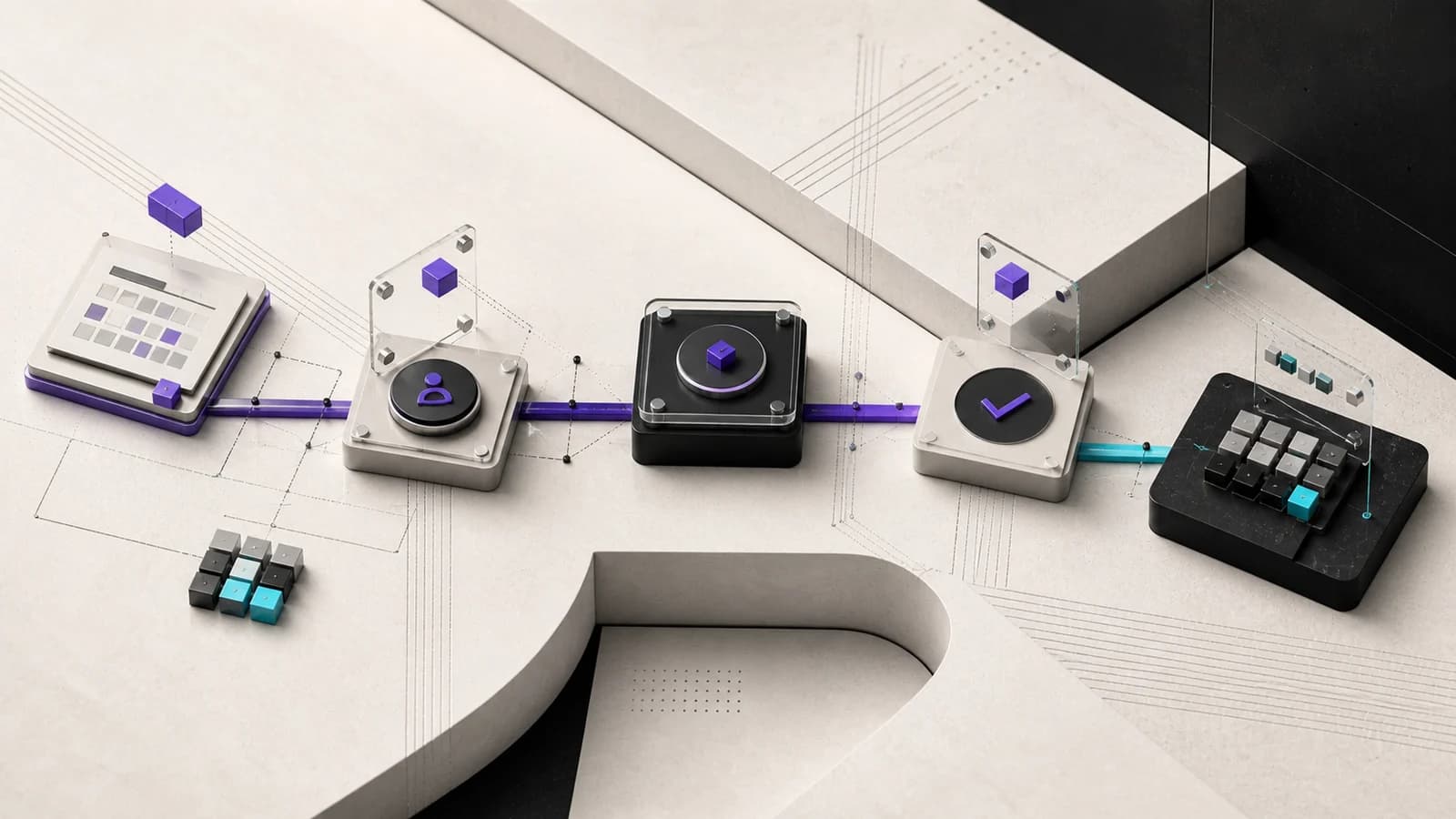
The essential flow has four steps.
1. Your backend creates the payment request
The system sends the amount and can include an order identifier. The API returns the payment details, including a QR code, Pix copy-and-paste code, or a hosted checkout.
2. The customer pays
The customer completes the Pix payment through the bank they already use. Your product does not need to teach them a new payment method.
3. TroqPay confirms it through a webhook
When the payment is confirmed, TroqPay sends a checkout.paid event to the
registered endpoint. The webhook signature lets your system verify the source
before processing the event.
4. Your system continues the flow
The backend updates the order, releases access, or confirms the service. The same record also supports customer service and reconciliation.
A webhook turns a payment into action
Without webhooks, the system needs to poll the payment status or wait for someone to check it manually. Events let the operation react to status changes.
A reliable integration should:
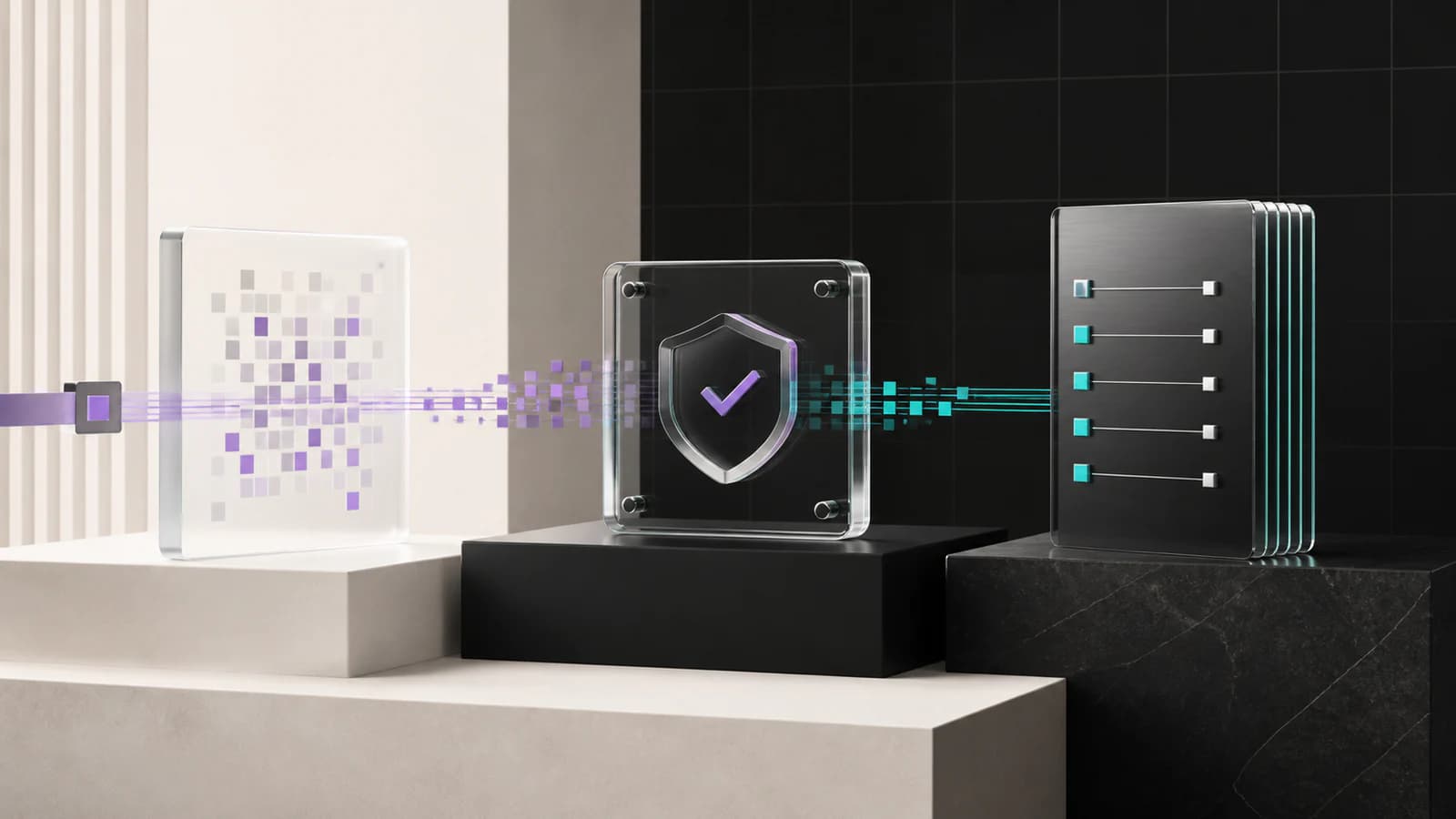
- validate the signature before trusting an event;
- store the event identifier to prevent duplicate processing;
- keep test and production data separate;
- connect each payment request to an internal order;
- record enough context for support and reconciliation.
Technical details are available in the webhook documentation. For the business, the result is straightforward: less waiting and fewer manual steps between payment and delivery.
Reconciliation starts when the payment request is created
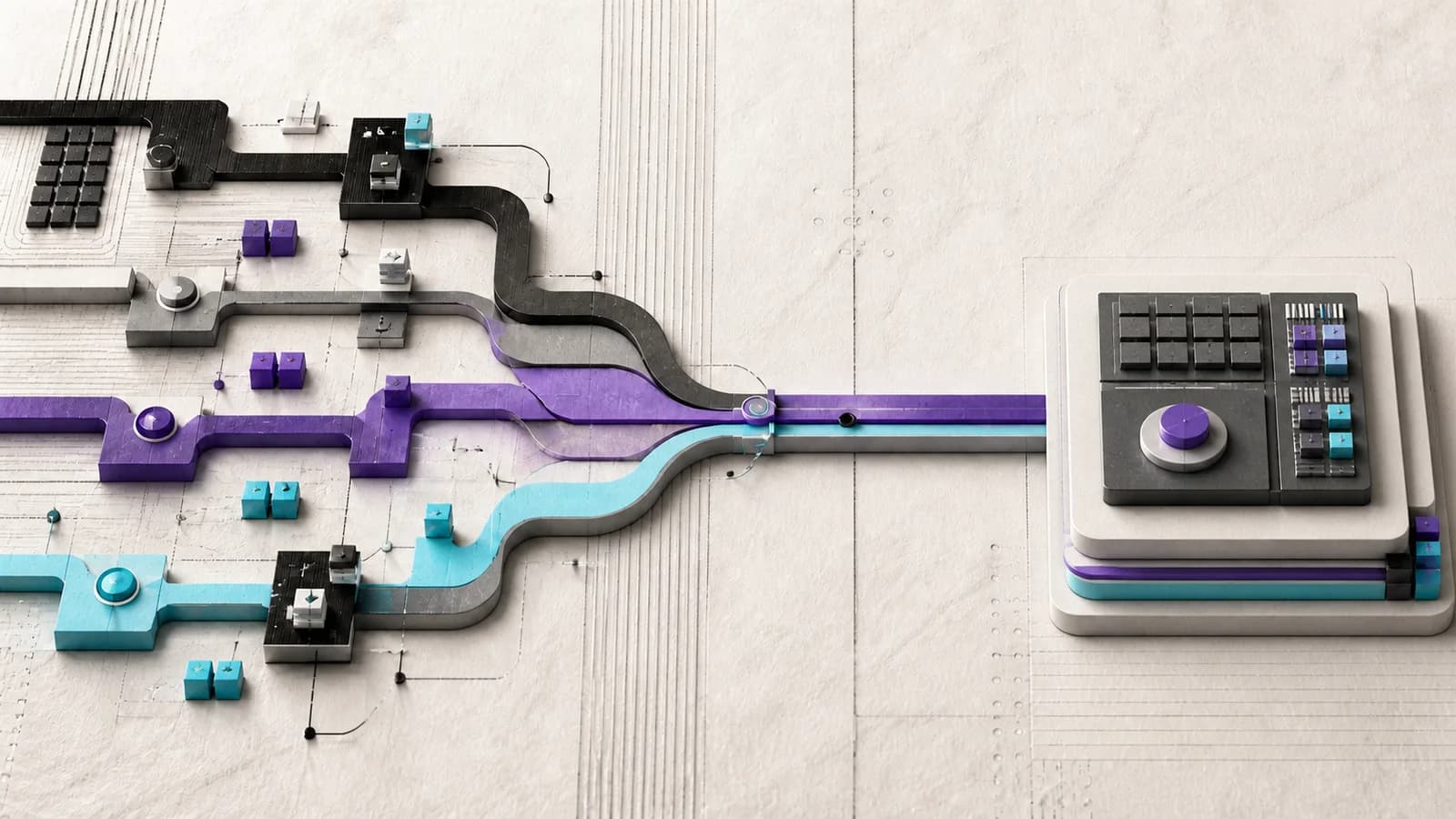
Automating confirmation is not enough. The business also needs to know which payment belongs to which order.
Fields such as externalId and metadata carry the sales context into the
payment request. When the webhook arrives, the system can match the amount,
customer, order, and status without a separate search.
This gives Product, Operations, Finance, and Support one shared record.
How this works across different businesses
The mechanism stays the same, but the result depends on the operation.
SaaS and digital products
A customer pays for a plan, credits, or access. The webhook confirms the payment request, and the system can release what was purchased without waiting for a manual review.
E-commerce
The order starts with an internal identifier. Once Pix is confirmed, the store updates the status and can continue fulfillment and delivery.
Services
A payment request can be tied to a proposal, booking, or project milestone. Confirmation lets the team move forward with fewer messages and payment receipts.
Platforms
When payments are part of the core experience, an API keeps users from leaving the product for a separate operational process. The platform retains the context and decides what should happen after each event.
When a Pix API makes sense
An integration tends to create more value when a business:
- receives orders or subscriptions inside its own product;
- releases access after payment confirmation;
- needs to reduce manual payment checks;
- wants to connect payments to inventory, support, or service delivery;
- needs to track payment requests with an internal identifier;
- plans to grow volume without growing manual work at the same pace.
If the priority is still validating the offer, a payment link may be enough. If payments are already part of the product, an API provides more control.
What to evaluate before choosing a Pix API
A payments integration needs to work beyond the first request. Before choosing a provider, look for:
- a test environment: validate the flow without mixing live data;
- stable identifiers: connect payment requests, orders, and customers;
- signed webhooks: verify where each event came from;
- idempotency: handle retries without triggering the same action twice;
- ready-to-use payment options: QR code, Pix copy-and-paste code, and hosted checkout;
- clear documentation: reduce the time from decision to integration;
- operational visibility: investigate status and reconcile payments.
These capabilities reduce the risk of integrating an API that creates Pix payments while leaving the rest of the operation manual.
Build with your existing stack
Any backend that can make HTTPS requests can call the REST API. The optional JavaScript/TypeScript SDK speeds up implementation for teams already using that stack.
The test environment lets teams validate payment requests, webhooks, and reconciliation before activating production. Keeping environments separate reduces the risk of mixing tests with live events and data.
A practical implementation path
The integration does not need to cover every scenario on day one. Start by validating the main flow:
- map what should happen after an approved payment;
- create the payment request with the identifier used by your system;
- display Pix or send the customer to the hosted checkout;
- process
checkout.paididempotently; - confirm that Orders, Support, and Finance see the same status;
- move the validated flow to production after account approval.
From there, the business can automate exceptions and expand usage without rebuilding the integration foundation.
Next step
A strong Pix API does not stop at payment. It connects the payment request, confirmation, and operation so customers get what they bought sooner and teams do not have to coordinate every sale manually.
Explore TroqPay APIs and webhooks or start with the documentation quickstart.